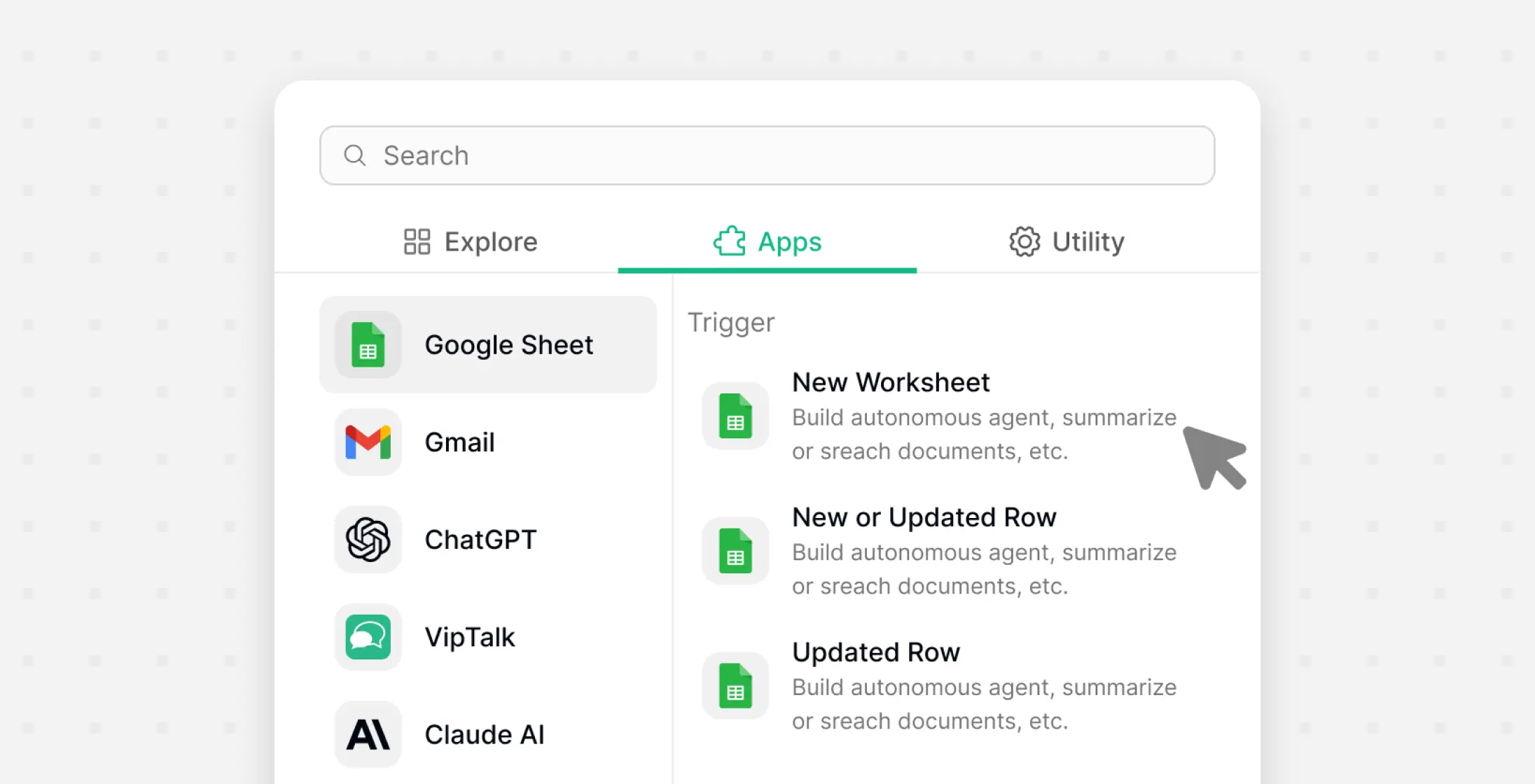
Connect Diverse Apps & Tools
Use a variety of nodes, apps, and AI models to build customized workflows that fit your business.

Create workflows with drag-and-drop nodes, AI assistant, human approvals, and hundreds of integrations — all in one visual builder.
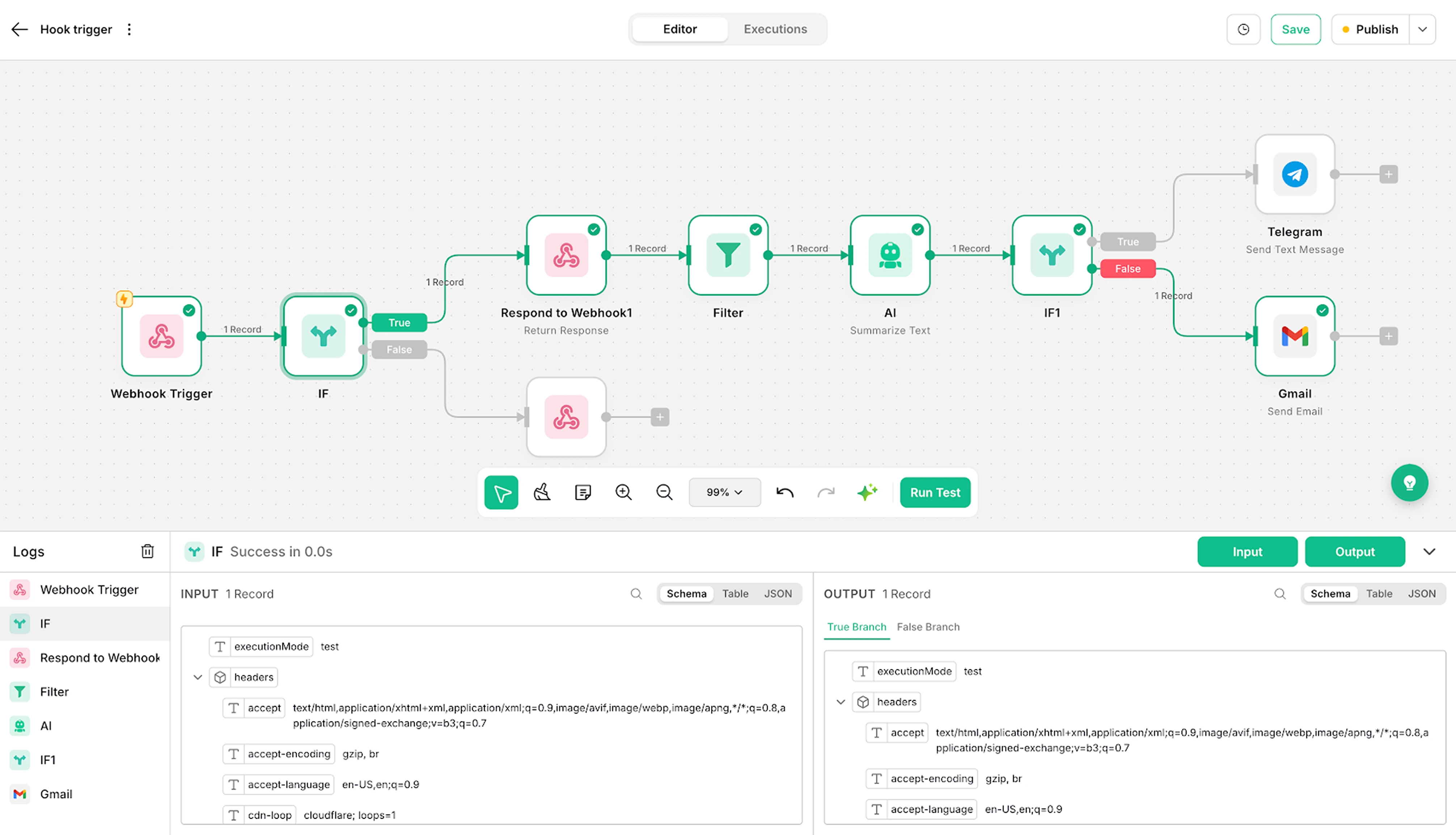
Build workflows visually with drag-and-drop simplicity. Connect nodes, organize complex processes, and document everything directly on the canvas.
Use a variety of nodes, apps, and AI models to build customized workflows that fit your business.
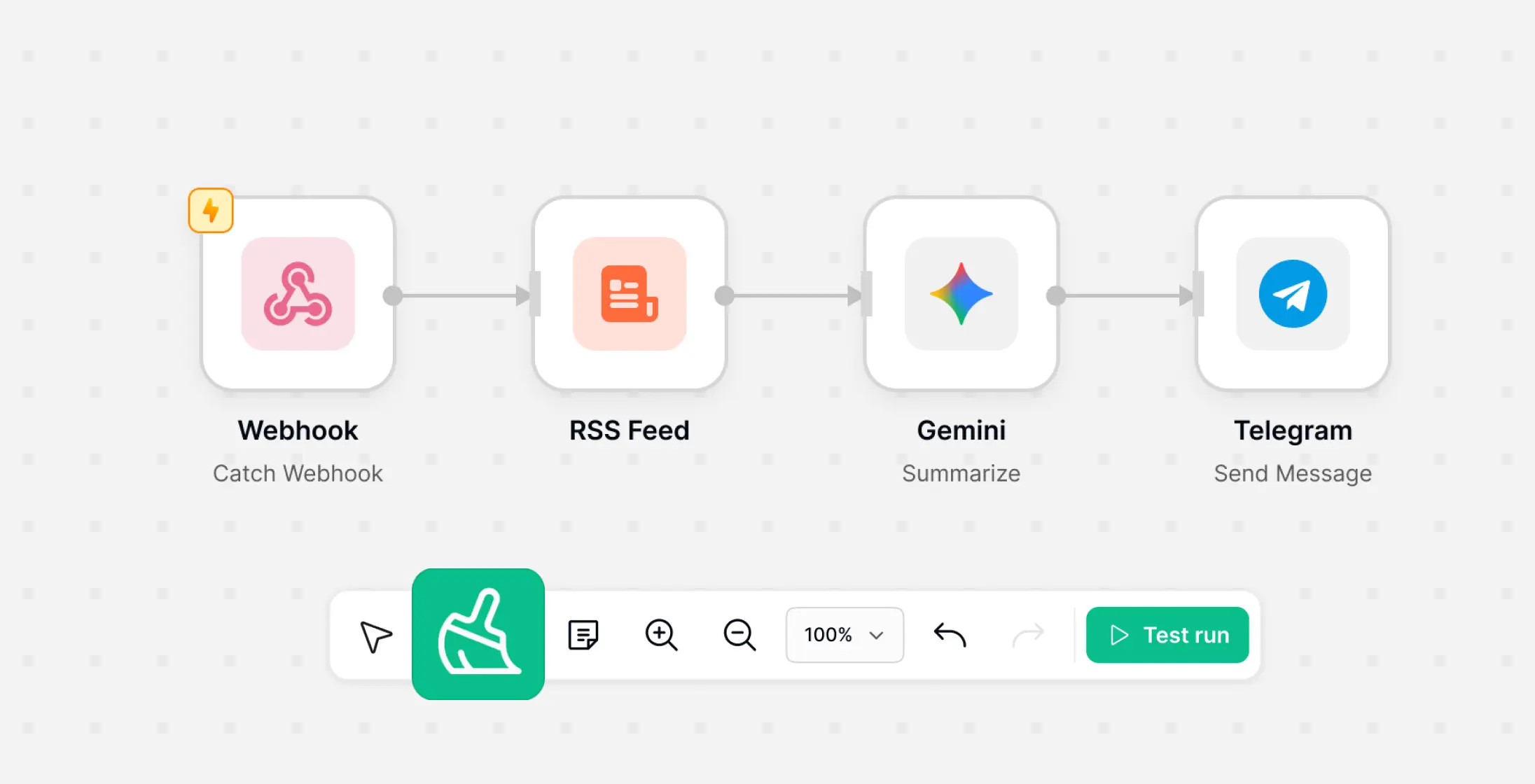
Drag nodes, connect them, and run workflows instantly with snap-to-grid and seamless navigation.
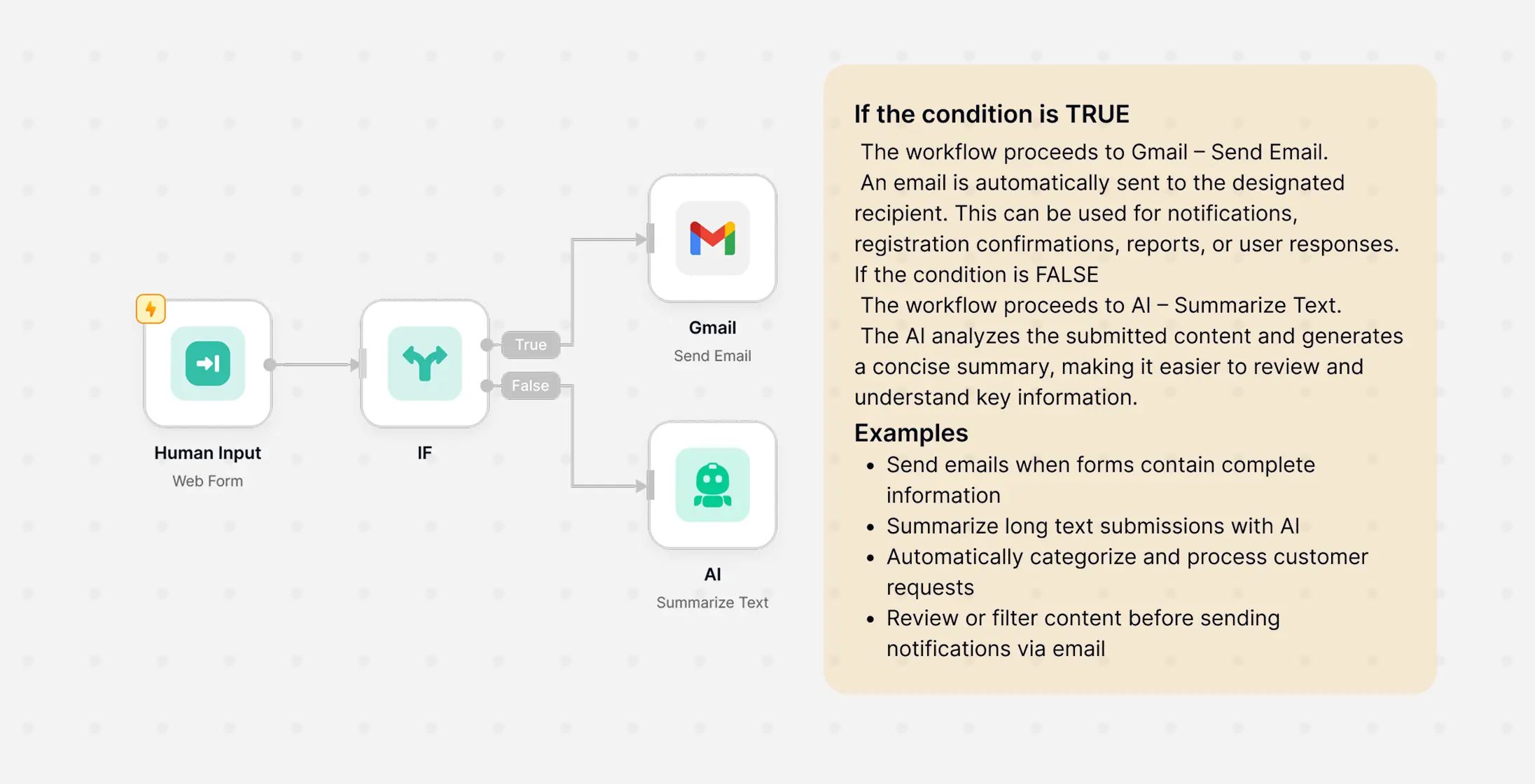
Add sticky notes to annotate, collaborate, and share clear workflow context with your whole team.
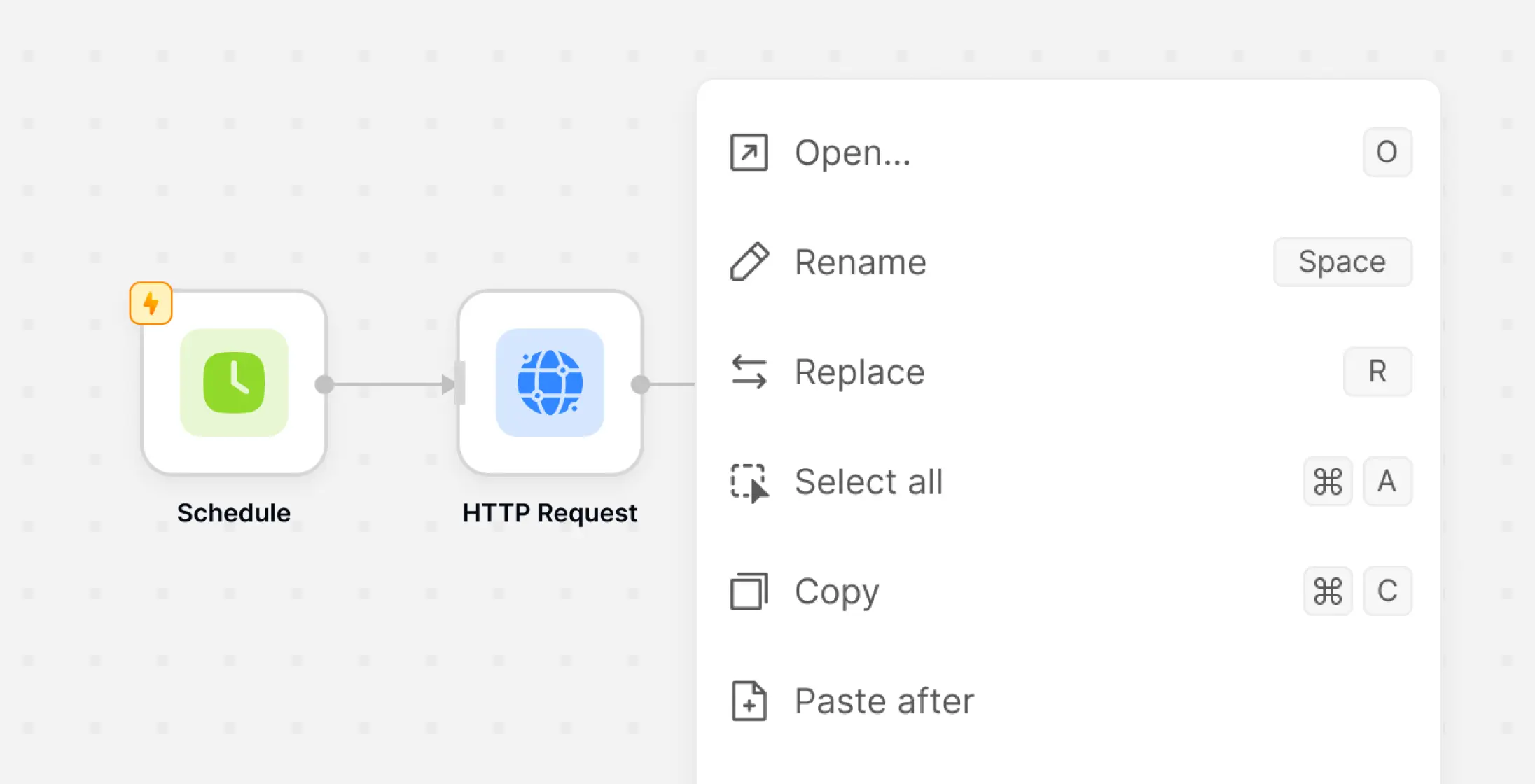
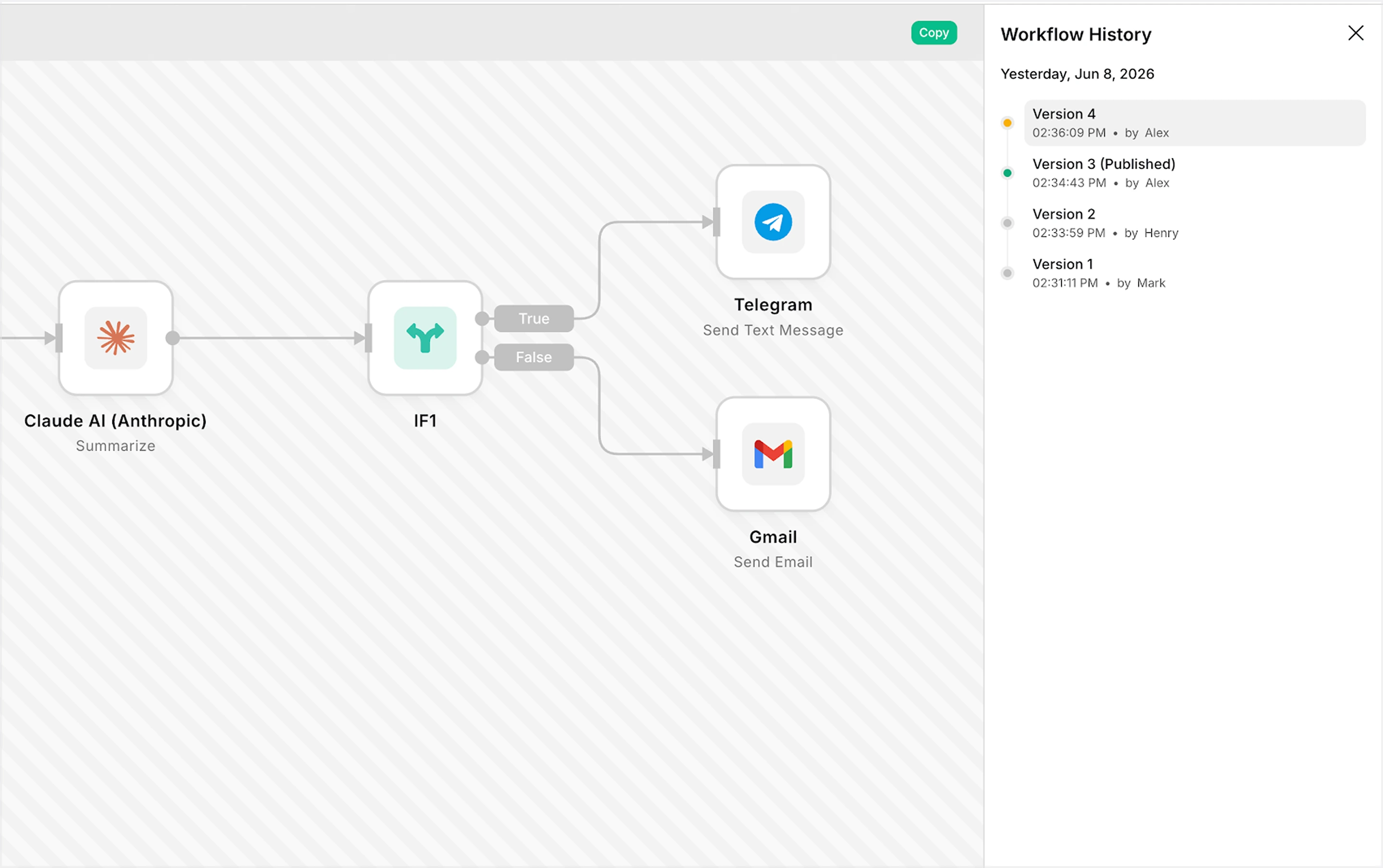
Easily modify workflows with copy-paste, undo/redo, and quick shortcuts with full version tracking.
Let AI assist at every step. Generate workflows, receive recommendations, and configure automation faster with built-in AI capabilities.
Tell AI what you want to automate using natural language.
AI generates and applies workflows directly to the canvas.
Receive contextual recommendations for nodes, templates, and expressions.
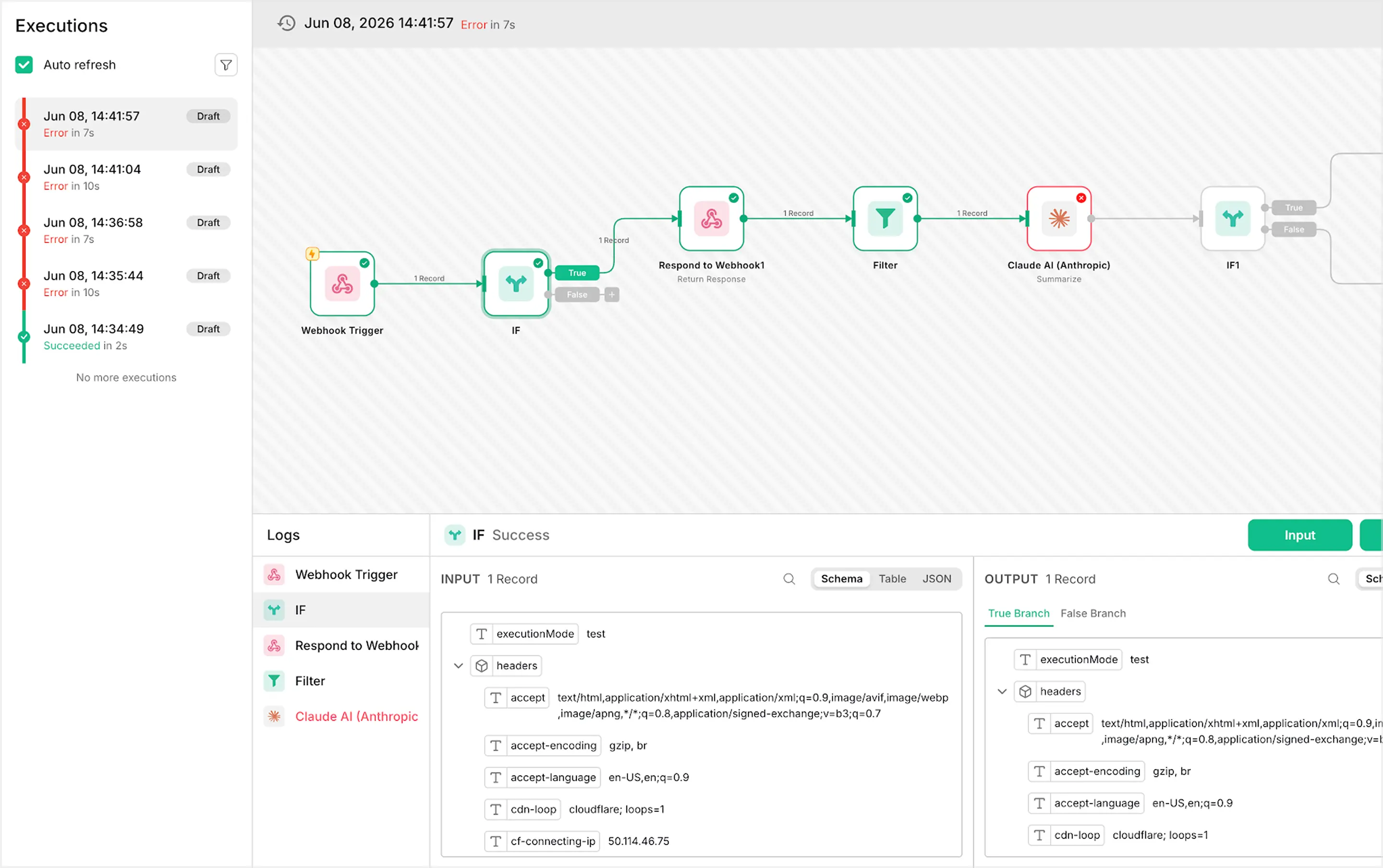
Test workflows with real data, monitor executions in real time, and quickly identify issues before they impact your automation.
Run individual nodes and preview results before publishing.
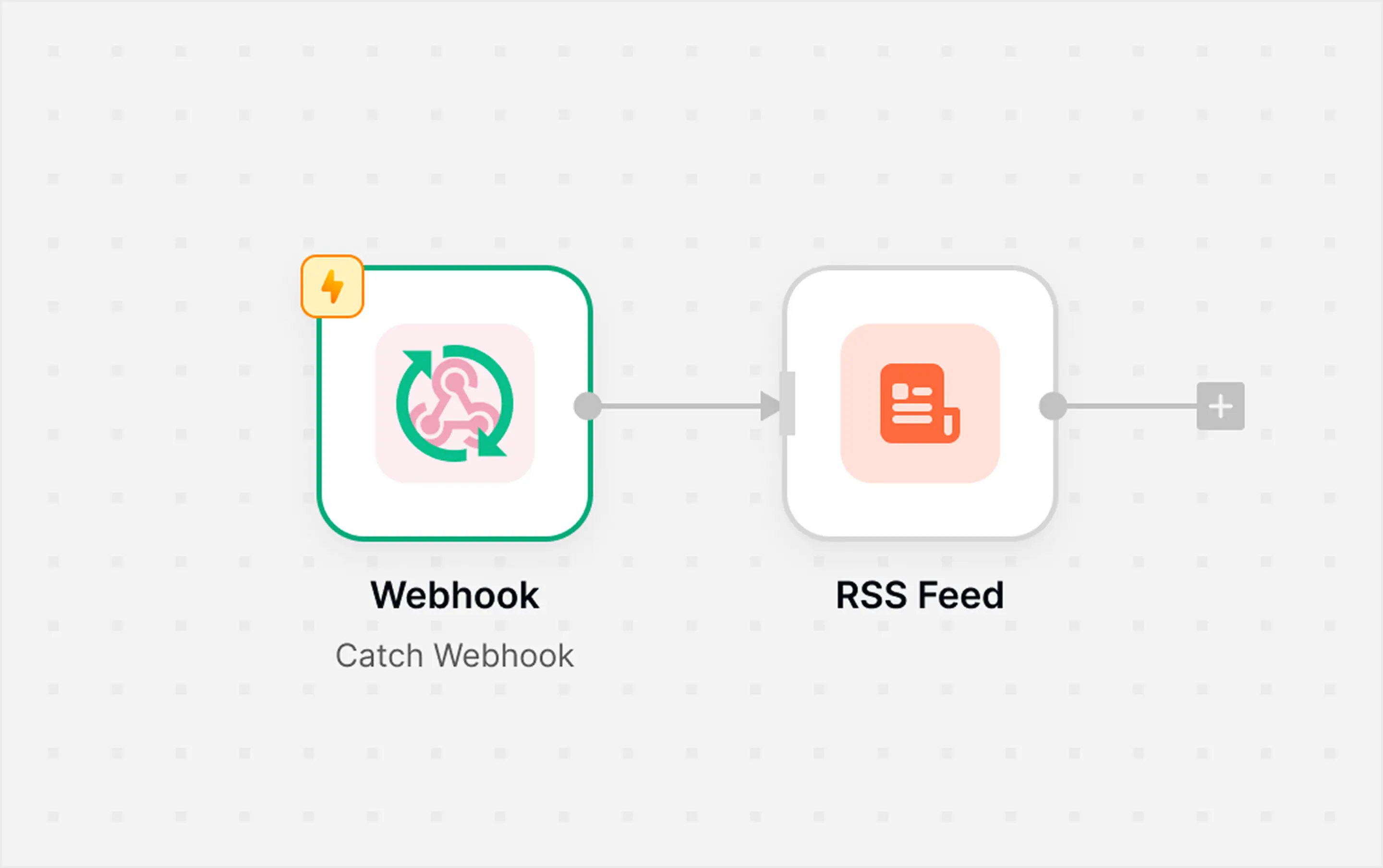
Track workflow progress directly on the canvas.
Trace execution errors directly to the affected node.
Connect Workflow with the tools your team already uses — for marketing, data, and infrastructure — all in one place.



























Browse help articles, or get in touch with our support team—all in one place.
Create a workflow by choosing a Trigger, then add one or more Actions to automate your process. You can start from scratch or use a ready-made template to get started faster.
Create your workflow now. Upgrade when you need more power, collaboration, and scalability.